Patch Instructions
Install the game of your choice on Steam.
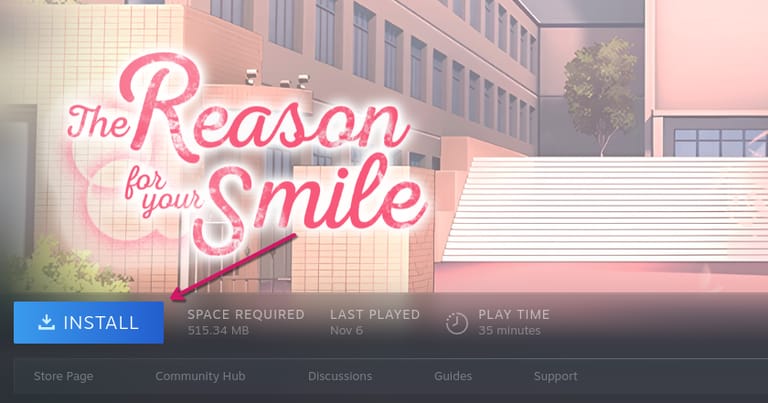
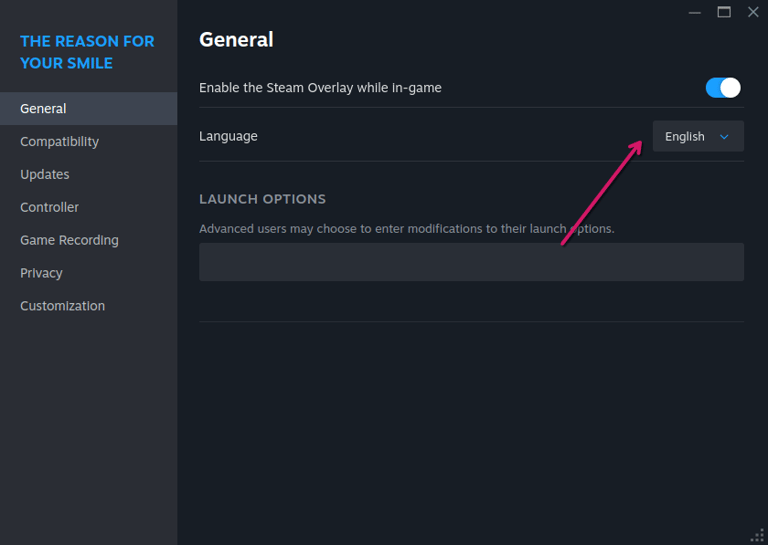
Once installation is complete, verify that the correct language is selected in the Steam properties of the game. If the Language section doesn't appear, you can ignore this step.
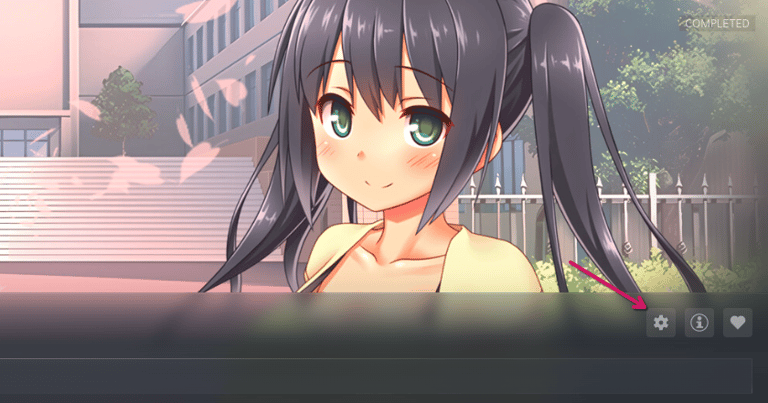
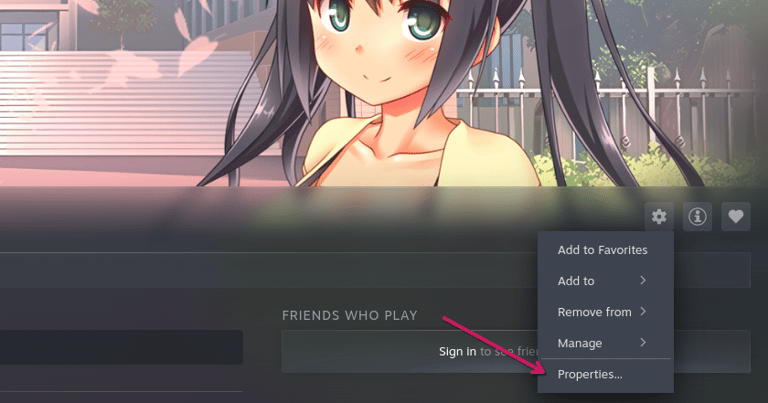
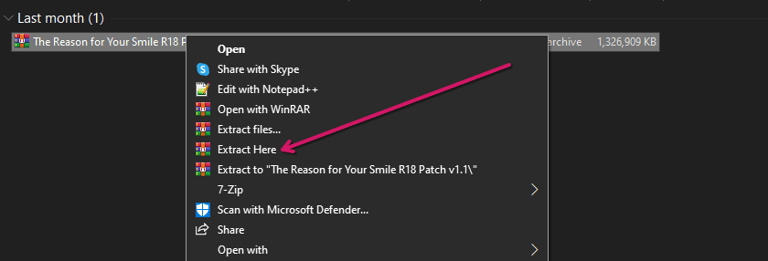
Use WinRAR or another unpacker program to extract the patch.
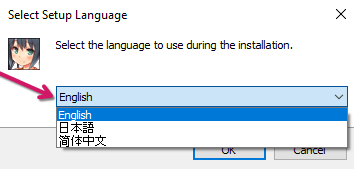
Open the executable (.exe) patch file downloaded from our website and select the same language that was chosen in the Steam properties. Then click "OK".
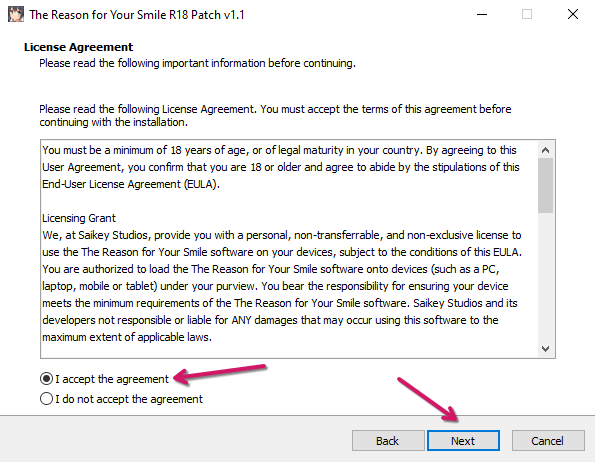
Read the License Agreement and accept the terms by clicking on "I Accept". Click "Next" to continue.
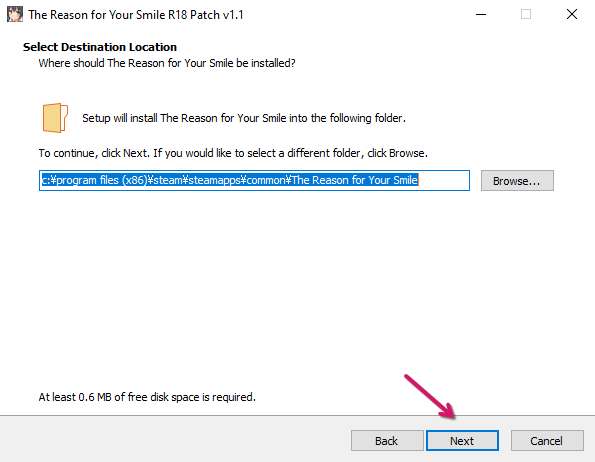
If you are using Windows, the installation folder should be found automatically. If you are using a different operating system, you will need to find the game folder manually. For example, Steam stores games in the Steam Deck's "/home/{Your Username}/.steam/steam/steamapps/common/" folder by default. Click "Next".
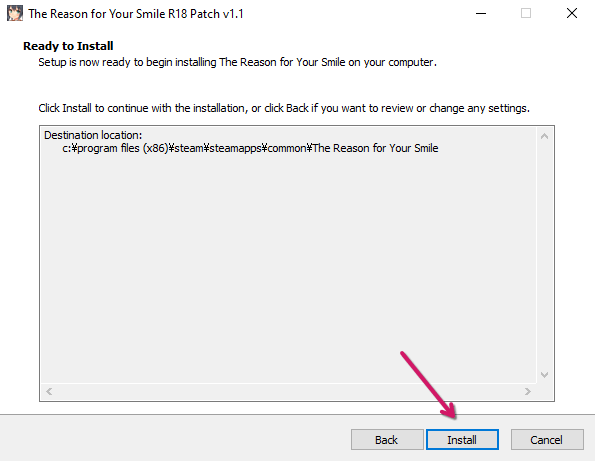
Click "Install" and the patch process will start.
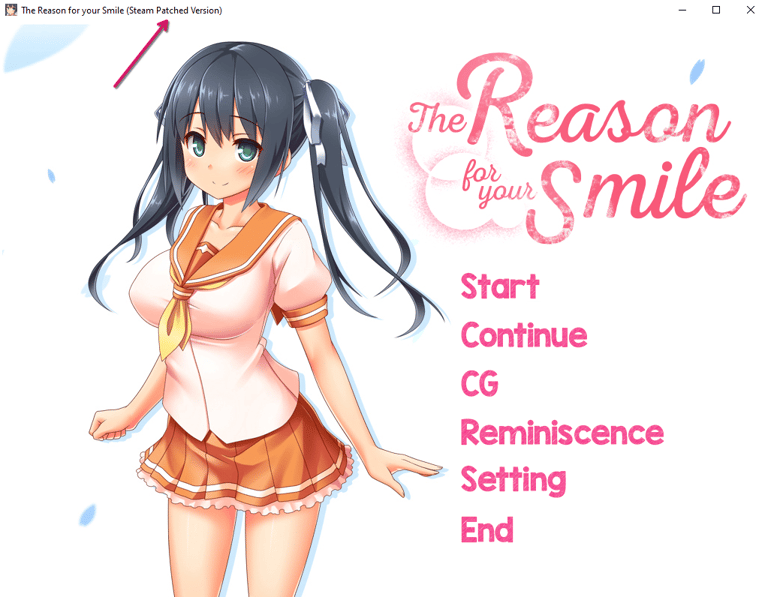
If everything went right, the next time you open your game, "(Steam Patched Version)" should appear in the title of the game window.