Patch Instructions
-
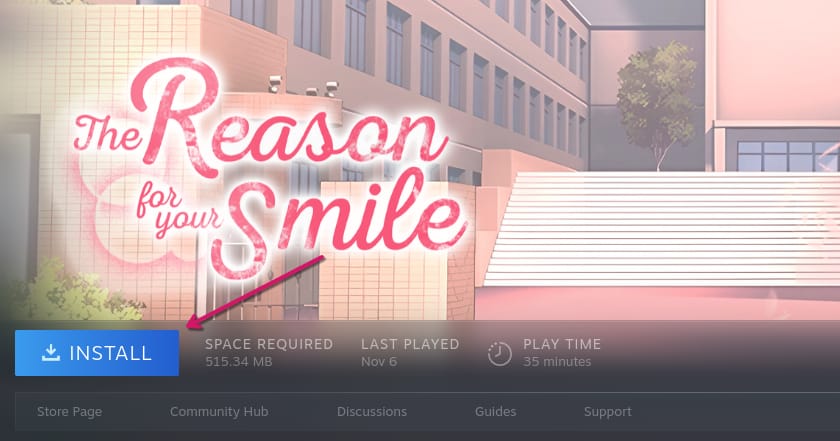
Install the game of your choice on Steam.

-
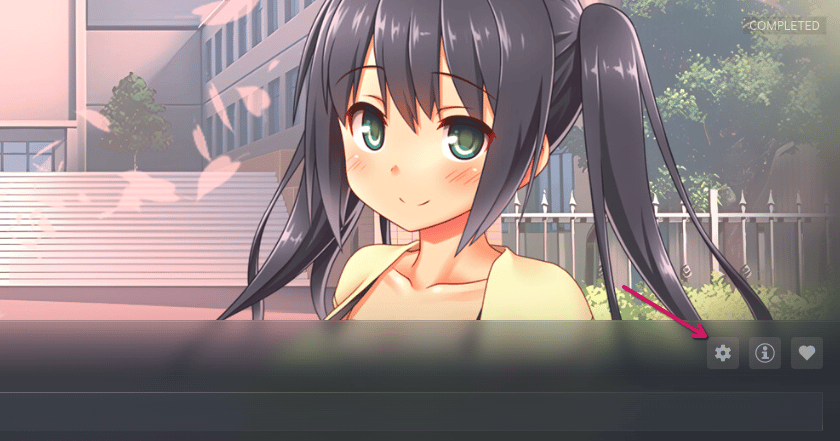
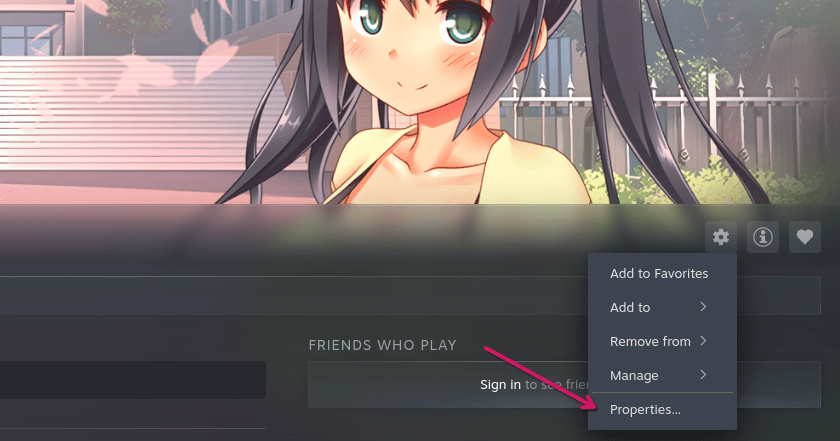
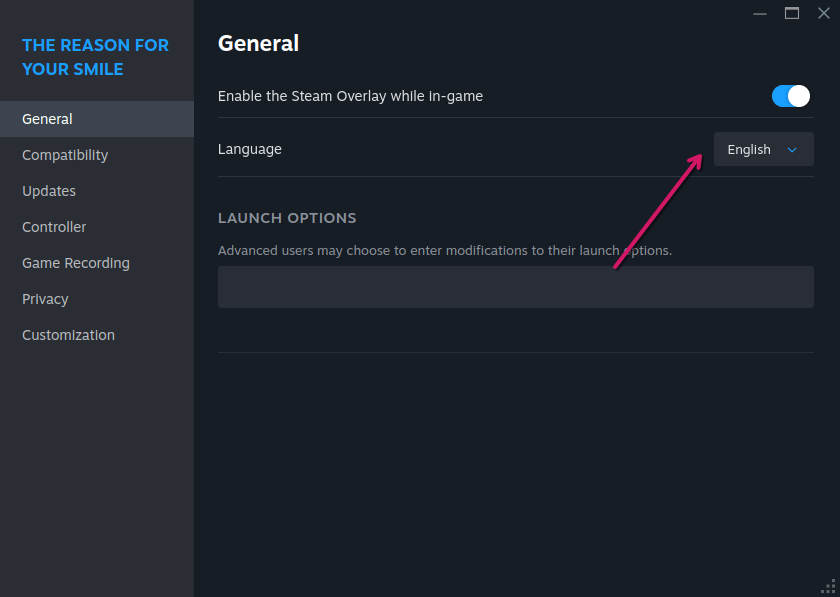
Once installation is complete, verify that the correct language is selected in the Steam properties of the game. If the Language section doesn't appear, you can ignore this step.
-
Use WinRAR or another unpacker program to extract the patch.
-
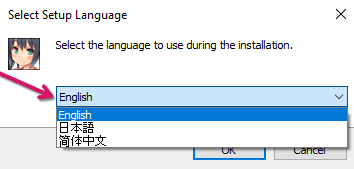
Open the executable (.exe) patch file downloaded from our website and select the same language that was chosen in the Steam properties. Then click "OK".
-
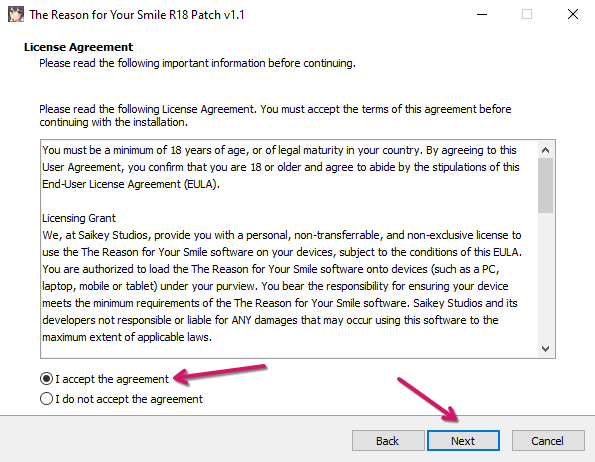
Read the License Agreement and accept the terms by clicking on "I Accept". Click "Next" to continue.
-
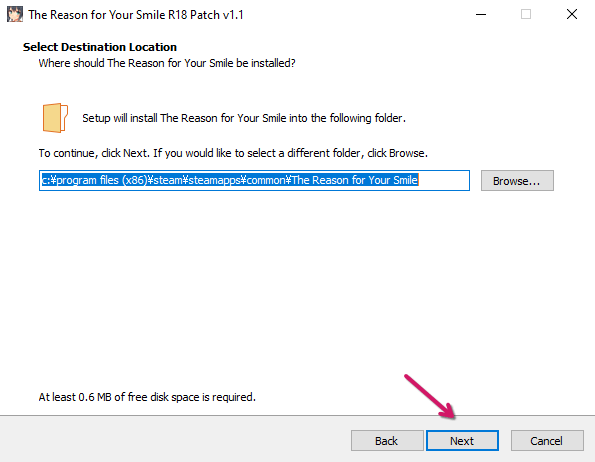
If you are using Windows, the installation folder should be found automatically. If you are using a different operating system, you will need to find the game folder manually. For example, Steam stores games in the Steam Deck's "/home/{Your Username}/.steam/steam/steamapps/common/" folder by default. Click "Next".
-
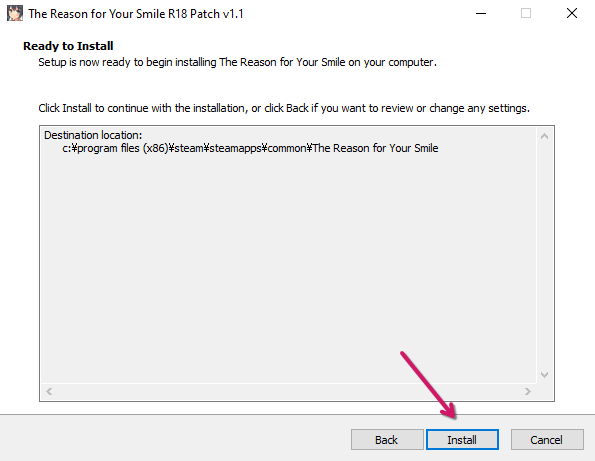
Click "Install" and the patch process will start.
-
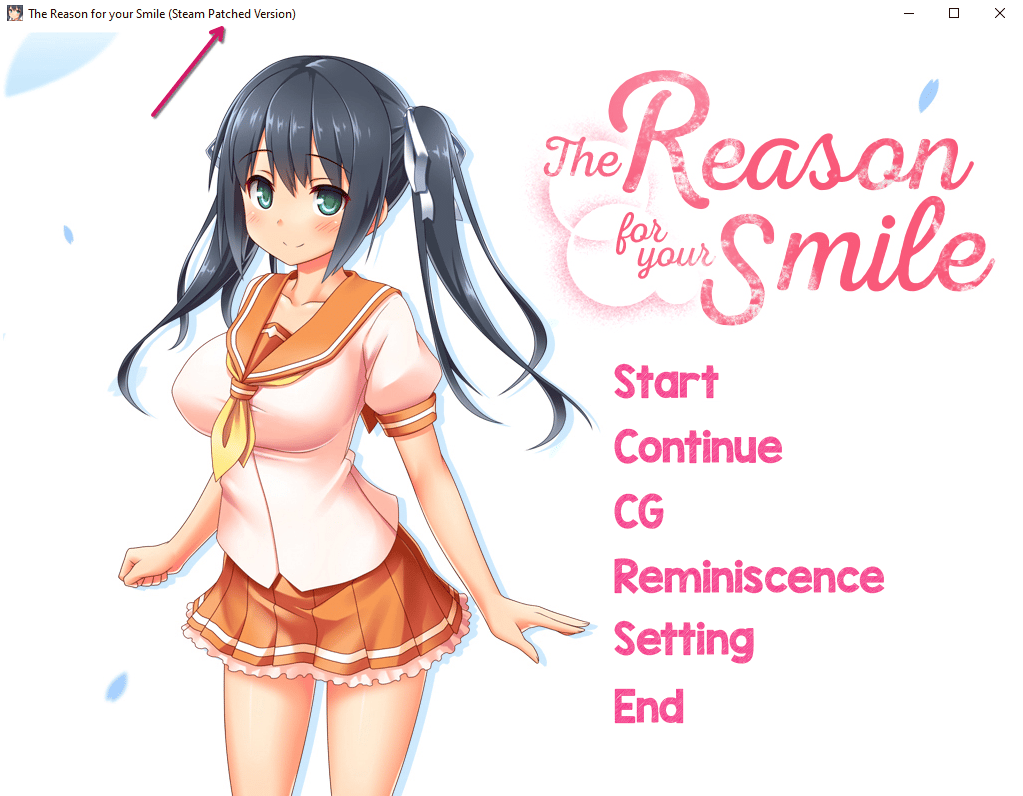
If everything went right, the next time you open your game, "(Steam Patched Version)" should appear in the title of the game window.